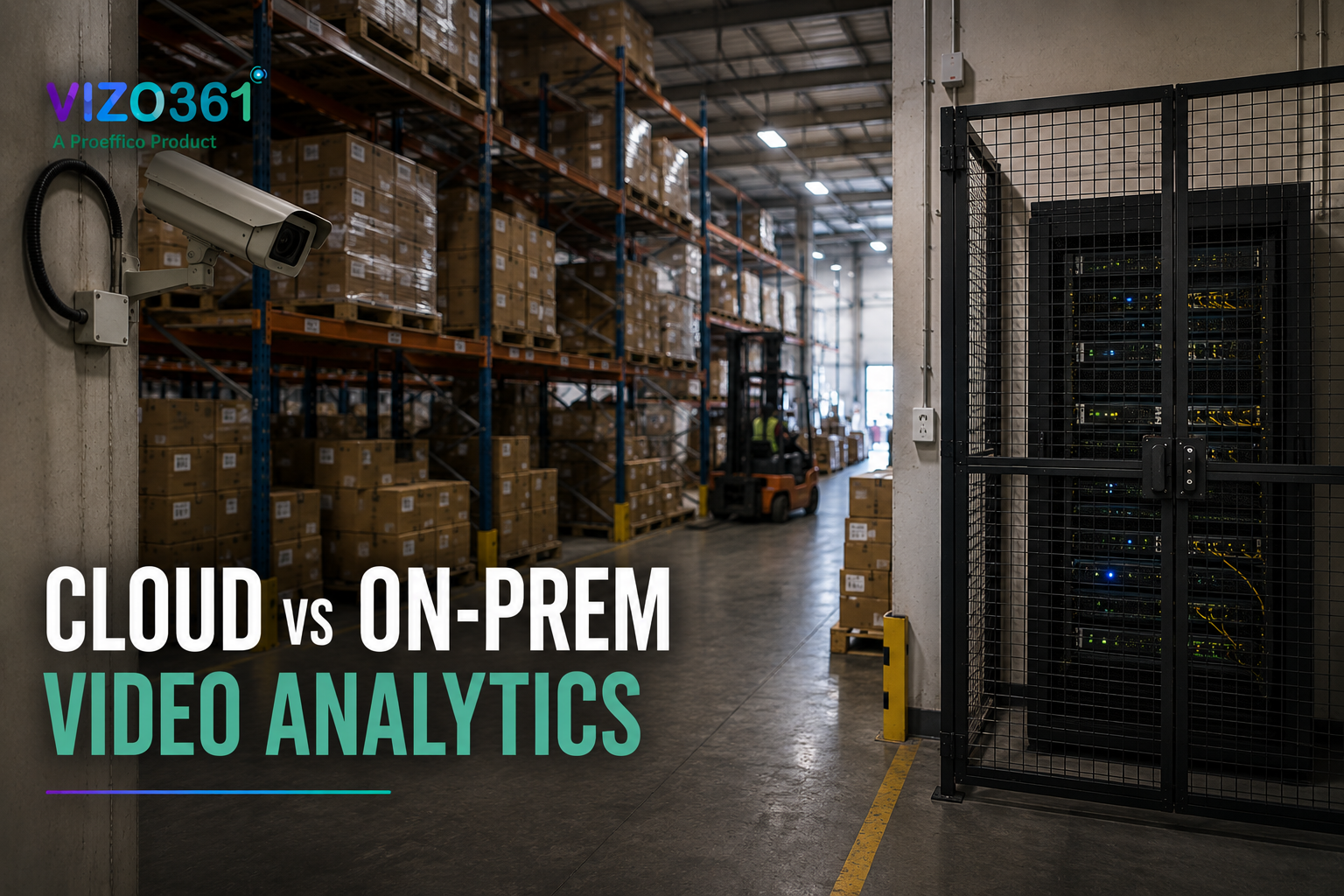
Cloud vs On-Prem Video Analytics: How to Choose in 2026
Every business evaluating AI video analytics eventually runs into the same question, usually somewhere in the second vendor conversation: should the video be processed in the cloud, or on-prem (short for "on-premises" — meaning the processing happens on servers physically inside your building or facility, not on someone else's data center)? It sounds like an IT detail. It isn't. Where analysis happens decides how fast alerts arrive, what happens if your internet connection drops, who can legally see your footage, and how much the system costs once you scale past one site.
There's no universal right answer to cloud vs on-prem video analytics — a single retail outlet in a city with reliable broadband has different constraints than a factory floor with patchy connectivity, or a bank branch bound by strict data-residency rules. This guide walks through the actual trade-offs so you can match the deployment model to your sites, not the other way around.
Where analysis happens
At the center of this decision is a simple architectural fact: video analytics needs computing power to run — cameras capture footage, but something has to run the computer-vision models (the AI that recognizes faces, plates, smoke, or suspicious behavior) on that footage in order to produce an alert. That "something" can live in three places.
Cloud means your camera feeds are sent over the internet to servers run by the analytics vendor (or a cloud provider like AWS or Azure), where the processing happens, and results come back to your dashboard. On-prem means the processing server sits inside your building, on your own network, and nothing needs to leave the premises to generate an alert. Edge is a variation of on-prem where the AI model runs directly on or near the camera itself — sometimes on a small dedicated box per site — rather than on one central on-site server.
Most real deployments aren't purely one or the other. A common pattern is edge or on-prem processing for the time-sensitive detection itself, with summarized data, clips, and dashboards synced to the cloud afterward for reporting and multi-site visibility. That hybrid pattern, not a strict either/or, is where most mature video analytics decisions end up — but understanding the pure trade-offs first is what makes the hybrid choice make sense.
Latency and bandwidth
Latency — the delay between something happening on camera and an alert reaching a human — is where the cloud-vs-on-prem decision matters most for real-time use cases like camera-based fire and smoke detection, cash-counter theft detection, or perimeter intrusion. Sending continuous high-resolution video over the internet, waiting for it to process in a data center, and waiting for the result to come back adds delay at every hop. For most business dashboards that's fine. For a fire alert or a theft-in-progress alert, seconds are the entire point.
On-prem and edge processing avoid the round trip. The model runs close to the camera, so the alert can fire in near real time without depending on your internet connection at all. This matters even more for bandwidth: a chain running dozens of HD cameras per site would need serious, dedicated upload bandwidth to stream everything to the cloud continuously — often more than most sites have provisioned for anything other than office internet. Edge and on-prem processing only need to send the analyzed result (an alert, a short clip, a count) upstream, not the raw video feed, which is a fraction of the data.
The practical question to ask any vendor: does detection happen locally, with the cloud only used for storage and dashboards, or does raw video have to reach a remote server before an alert can fire? The answer changes what happens the moment your internet goes down — which, in a lot of Indian and GCC facilities, is not a hypothetical.
Privacy and compliance
Video of people's faces, movement, and behavior is sensitive data, and where it's processed and stored has real legal and reputational weight — particularly for facial recognition (FR) access control, banking and finance environments, government sites, or any facility working under data-residency or sector-specific compliance requirements.
On-prem deployment keeps footage and derived data inside your own infrastructure, under your own access controls, which simplifies compliance conversations considerably — there's no cross-border data transfer question to answer, and no third-party server holding your camera feeds. That's a large part of why banks, defense-adjacent facilities, and some government sites default to on-prem or edge processing regardless of cost.
Cloud processing isn't automatically non-compliant — reputable vendors run on infrastructure with recognized security certifications, encrypt data in transit and at rest, and can often commit to regional data residency. But it does mean asking harder diligence questions: where exactly is the data center, who has access, how long is footage retained, and what happens to it if the vendor relationship ends. Whatever model you choose, ask directly about security certifications — VIZO361, for example, is built on ISO 27001-aligned practices regardless of whether a given deployment runs cloud, on-prem, or hybrid.
Cost and scaling
Cost comparisons between cloud and on-prem video analytics tend to get oversimplified into "cloud is cheaper upfront, on-prem is cheaper long-term," and while that's directionally true, the real picture depends on scale and site count.
Cloud deployment usually means lower upfront cost — no server hardware to buy or maintain on-site, and you're paying an ongoing subscription tied to camera count or usage. That's attractive for a single site or a fast pilot. But it scales linearly: add more cameras or more sites, and the recurring cost — plus bandwidth — grows with it, indefinitely.
On-prem deployment means a larger upfront investment in server hardware (often including a GPU, or graphics processing unit, the type of chip that runs AI models efficiently) at each site, plus the internal or vendor-managed IT effort to maintain it. Once that hardware is in place, though, a single on-site server can often handle many cameras without much additional recurring cost per camera — which starts to look more economical at higher camera density per site, particularly for a factory or warehouse with dozens of cameras concentrated in one location rather than spread thin across many small sites.
The honest framing for a buyer: run the math for your actual camera count and site layout, not a generic rule of thumb. A ten-outlet retail chain with five cameras each has a very different cost curve than a single manufacturing plant with two hundred cameras on one floor.
When hybrid makes sense
For most multi-site businesses, the answer ends up being hybrid rather than a pure choice — and that's a legitimate architecture, not a compromise. In practice, hybrid usually means: detection-critical modules (fire and smoke, cash-counter theft, perimeter and PPE alerts) run on-prem or at the edge so alerts fire instantly and keep working even if the internet connection drops, while a cloud layer aggregates dashboards, historical footage, and reporting across every site so head office gets one consolidated view instead of twelve disconnected local systems.
That pattern shows up in real deployments. In one AI-driven retail intelligence engagement across multiple outlets of a Middle East retail brand, the priority was exactly this kind of layered approach — autonomous footfall counting and cashier behavior analysis running continuously at each store, with all-outlet intelligence rolled up into a single centralized dashboard for management, rather than requiring anyone to log into each site separately. A similar logic applies on manufacturing floors: one engagement used edge-deployed, offline-capable computer vision for production counting specifically because remote facility connectivity couldn't be relied on for anything time-sensitive, while reconciliation reporting still fed a central system afterward. Proeffico, the company behind VIZO361, has built both patterns for clients directly — the Proeffico engineering approach to intelligent business systems carries over into how VIZO361 is architected.
The question to bring to a vendor conversation isn't "cloud or on-prem" in the abstract — it's "which of my modules genuinely need local, low-latency processing, and which are fine being aggregated centrally afterward." A vendor that can only offer one model, and tries to fit every use case into it, is optimizing for their infrastructure, not your site.
What to look for
- Ask where detection actually happens, not just where dashboards live. "Cloud-based" marketing sometimes just means the reporting layer is cloud-hosted while detection still runs locally — that's a meaningfully different (and often better) architecture than one where raw video has to leave the site to trigger an alert.
- Confirm offline behavior. What happens to detection and alerting during an internet or power outage? A system that goes blind the moment connectivity drops isn't fit for a fire-detection or theft-prevention use case.
- Get real bandwidth numbers, not vendor estimates, for your camera count and resolution if cloud processing is part of the design.
- Clarify data residency and retention in writing — where footage is stored, for how long, and who can access it — for both cloud and on-prem components.
- Check that the platform genuinely supports hybrid, so you can run latency-sensitive modules locally and still get a single multi-site dashboard, rather than choosing an all-or-nothing architecture.
Frequently Asked Questions
What's the main difference between cloud and on-prem video analytics?
Cloud analytics sends camera footage over the internet to a remote server for processing; on-prem analytics processes footage on a server (or the camera itself, at the "edge") inside your own building. The core trade-off is speed and offline reliability versus lower upfront hardware investment.
Is on-prem video analytics more secure than cloud?
Not automatically, but it does keep footage and detection data inside your own network, which simplifies data-residency and compliance conversations. Cloud platforms can be secure too, provided the vendor has recognized certifications and clear data-handling commitments — ask directly rather than assuming either way.
Does cloud video analytics stop working if the internet goes down?
It depends on the architecture. If raw video has to reach a remote server before an alert fires, yes — detection stops during an outage. That's why time-sensitive use cases like fire detection or theft alerts are usually better served by on-prem or edge processing, even inside an otherwise cloud-connected system.
Which is cheaper, cloud or on-prem video analytics?
It depends on scale. Cloud tends to have lower upfront cost and suits smaller or single-site deployments; on-prem requires more upfront hardware investment but can be more cost-efficient per camera at high camera density on a single site.
Can I run some cameras on-prem and others in the cloud?
Yes — this is the hybrid model most multi-site businesses land on. Latency-critical modules run locally at each site, while a cloud layer aggregates dashboards and historical data across all locations into one central view.
Cloud vs on-prem isn't a question with one correct answer — it's a question about which of your cameras are protecting something that can't wait, and which ones are simply feeding you information. Get that distinction right, and the architecture mostly chooses itself. Book a demo - see it on your cameras.