AI Intrusion Detection on CCTV: How It Works and Where It Fits (2026)
Every security head has the same folder on their desktop: hundreds of motion-triggered clips from last month, almost none of them worth watching. A stray dog, a moving branch, a shadow crossing a sensor beam at 2 a.m. An AI intrusion detection system is built to fix exactly that problem — it looks at what the camera is actually seeing, decides whether it matters, and only then sends an alert. For sites that already run CCTV but still rely on a guard checking a monitor or a motion sensor tripping a siren, this is usually the single biggest upgrade available without touching the camera hardware.
This guide covers how AI intrusion detection actually works on existing footage, why it cuts down false alarms so sharply, where it earns its cost fastest, and what a realistic rollout looks like on a site that's running standard CCTV today.
The False-Alarm Problem with Motion Sensors
Traditional perimeter security relies on two things: passive infrared (PIR) motion sensors or beam-break trip wires, and a human watching a wall of monitors. Both have the same weakness — they can't tell the difference between "something moved" and "something that matters moved."
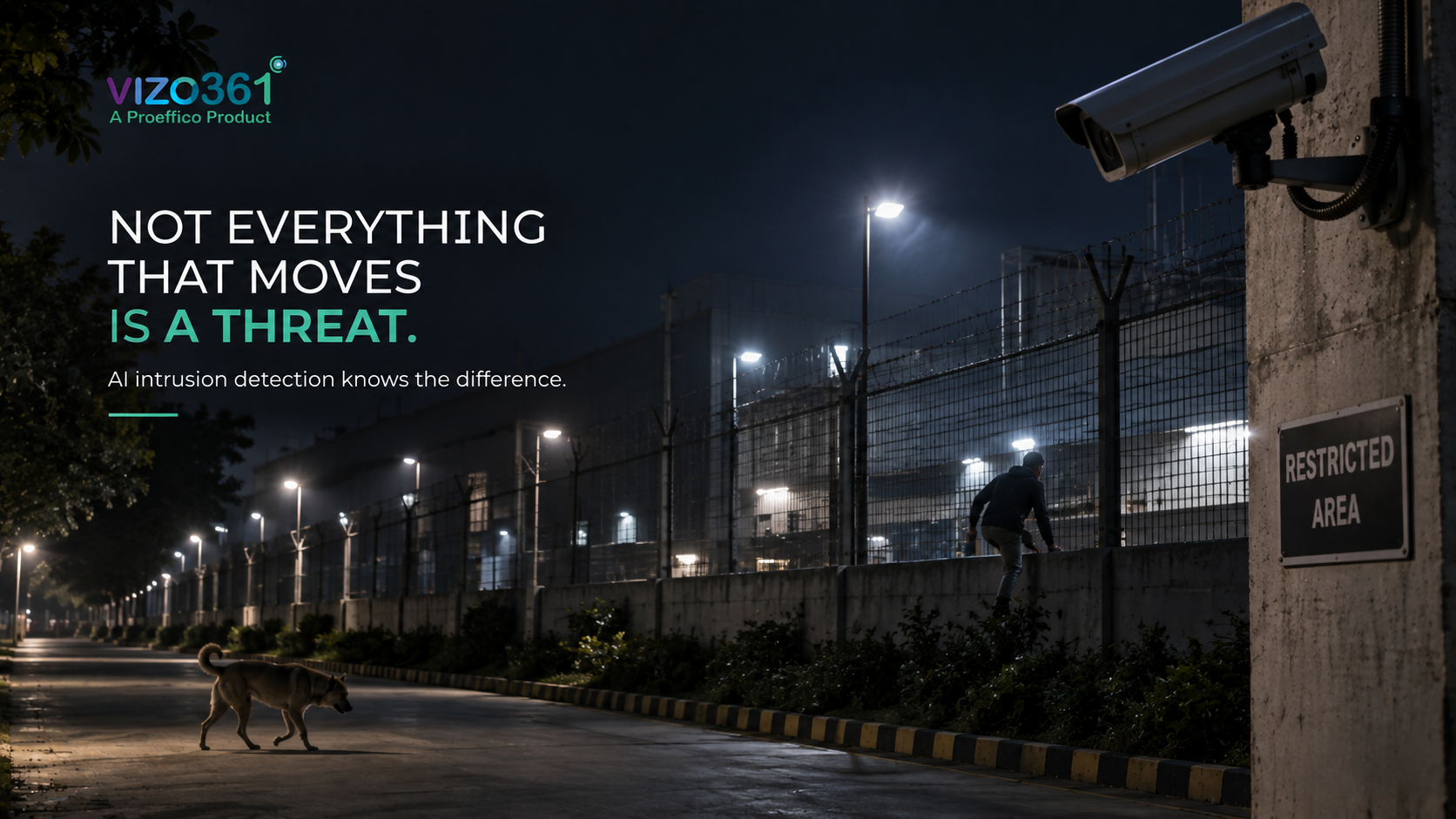
A PIR sensor fires on heat and motion together, so it can't distinguish a person climbing a boundary wall from a cat, a bird, wind-blown debris, or headlights sweeping across a fence line at night. Multiply that across dozens of sensors on a factory perimeter or a warehouse boundary, and the false-alarm rate climbs fast enough that guards start ignoring alerts altogether — which is the exact failure mode intrusion detection is supposed to prevent. This is the well-documented "alarm fatigue" problem in physical security: the more often a system cries wolf, the less anyone trusts it when the wolf actually shows up.
The human-monitoring side has its own limit. A guard watching 12–16 camera feeds for an 8-hour shift is not realistically catching a person slipping through a gap in a fence at 3:40 a.m. Attention degrades. That's not a criticism of the guard — it's a known limitation of sustained visual monitoring that no amount of training fully solves.
How AI Intrusion Detection Works
AI intrusion detection runs a computer vision model on the live video feed — the same feed your CCTV already produces — and classifies what it sees frame by frame. Instead of "motion detected," the system reasons in terms of "person detected," "vehicle detected," "object left behind," or "person crossing a defined boundary line." That classification step is what separates it from a motion sensor: the model has been trained to recognise human and vehicle shapes distinctly from animals, vegetation, and lighting changes.
On top of object detection sits rule logic that a security manager configures for the site: draw a virtual line along the boundary wall, mark a restricted zone around a transformer yard, set a time window (say, no human presence between 9 p.m. and 6 a.m. in a warehouse yard). When the model detects a person or vehicle crossing that line or entering that zone within the configured window, it triggers an alert — with the clip, a timestamp, and the camera location — sent to a guard's phone, a control room dashboard, or both.
This is the same underlying computer vision approach Proeffico has used in factory and site deployments where cameras needed to flag unauthorised activity automatically rather than rely on someone reviewing footage after the fact — for example, a multi-factory manufacturer we worked with needed cameras to reconcile production counts against dispatch records in real time rather than after a shift ended, and a real estate operations client needed automated visibility into unauthorised movement across distributed premises no single manager could physically watch. The pattern is consistent: once a camera can classify what it's seeing instead of just detecting motion, the alert becomes something worth acting on.
Reducing False Alarms
The reduction in false alarms comes from three layers working together, not one clever trick:
- Object classification, so animals, vehicles passing on a public road outside the boundary, and blowing debris don't trigger a "person detected" alert.
- Zone and line logic, so a person walking on the footpath outside the fence doesn't fire the same alert as a person climbing over it — the system only reacts to boundary crossings, not general presence.
- Time-based rules, so a maintenance worker on-site during the day doesn't trigger the same alarm level as an unidentified person on the same spot at midnight.
The result most sites report is fewer alerts overall, but a higher percentage of the alerts that do fire are genuine. That shift matters more than the raw alert count — it's what restores trust in the system so guards actually respond instead of muting notifications after the third false positive of the night.
Use Cases Across Sites
Intrusion detection isn't one use case — it changes shape by site type:
- Manufacturing plants and factories: perimeter fencing, loading bay access after hours, restricted zones around hazardous storage or high-value machinery.
- Warehouses and logistics yards: boundary monitoring overnight when the yard should be empty, and dock-area access outside scheduled loading windows.
- BFSI branches and ATMs: after-hours entry detection at branch premises, tied into the same alerting workflow as cash and vault monitoring.
- Smart infrastructure and government sites: substations, water treatment plants, and other critical infrastructure where unmanned perimeters need round-the-clock coverage without a guard posted at every gate.
- Campuses and large commercial premises: boundary walls and less-trafficked entry points that a limited guard force can't watch continuously.
Each of these sits alongside related VIZO361 capabilities — a factory using intrusion detection on its perimeter is often the same site running AI CCTV for manufacturing plants for PPE and safety compliance on the shop floor, and a logistics yard doing overnight boundary monitoring frequently pairs it with warehouse video analytics for loading-bay and dock visibility during the day. For sites where the entire perimeter — not just specific crossing points — needs continuous coverage, it's worth reading how this compares to a full AI perimeter security system approach.
Deployment
The deployment question every prospective buyer asks first is whether this means new cameras. Usually, no. AI intrusion detection runs as a software layer on top of the existing CCTV feed — the video stream is pulled from cameras already installed (IP cameras with a reasonable resolution and a stable feed are typically enough) and processed either on-premise or via a cloud connection, depending on the site's bandwidth and data-residency requirements.
A typical rollout looks like this: cameras and their coverage are audited to confirm the boundary or restricted zones are actually visible on-screen (a camera pointed at the wrong angle can't detect anything, however good the model is), virtual lines and zones are configured against those specific camera views, alert routing is set up to the relevant guards or control room, and the system runs in a short observation period to tune sensitivity before it goes fully live. For ISO 27001-certified deployments, data handling and video storage follow the same security controls that apply to the rest of the surveillance infrastructure — this matters for BFSI and government sites in particular, where data-handling policy is often the deciding factor over the AI model itself.
The honest caveat: AI intrusion detection is only as good as camera placement and lighting allow. A camera with poor night vision, heavy glare, or a partially obstructed view will limit detection accuracy regardless of the software behind it. Any credible vendor should walk your specific camera layout before quoting results, not promise a number in the abstract.
Frequently Asked Questions
Does AI intrusion detection require replacing my existing CCTV cameras?
No, in most cases. The software runs on the video feed from your existing IP cameras. The main requirement is that cameras have a clear, adequately lit view of the boundary or zone being monitored — camera placement matters more than camera brand.
How is this different from a standard motion-sensor alarm?
A motion sensor reacts to any movement and heat signature, including animals and weather. AI intrusion detection classifies what's in the frame — person, vehicle, or object — and applies rules like boundary lines, restricted zones, and time windows, so it only alerts on activity that actually matters.
Can it work at night or in low light?
Detection accuracy depends on the camera's own low-light or infrared capability, not just the AI model. Cameras with decent night vision generally perform well; very poor lighting or heavy fog will reduce accuracy for any vision-based system, human or AI.
What happens when the system flags an intrusion?
An alert — with the video clip, timestamp, and camera location — is sent to a guard's phone or a control room dashboard so someone can respond in real time, rather than reviewing footage after an incident has already happened.
Is this only for large industrial sites?
No. The same approach applies to warehouse yards, BFSI branches, campuses, and government or smart-infrastructure sites — anywhere a boundary or restricted zone needs continuous monitoring that a limited guard force can't sustain around the clock.
Your cameras are already watching the perimeter. The question is whether anyone — or anything — is watching them back in real time. Book a demo and see AI intrusion detection running on your own cameras.